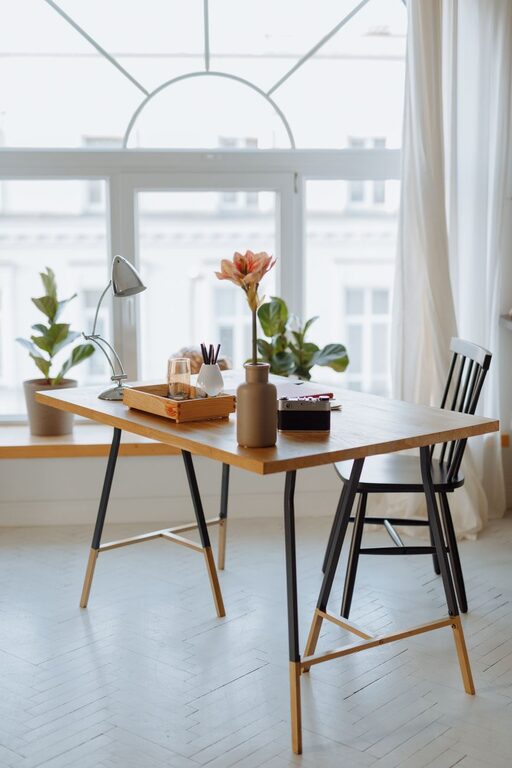
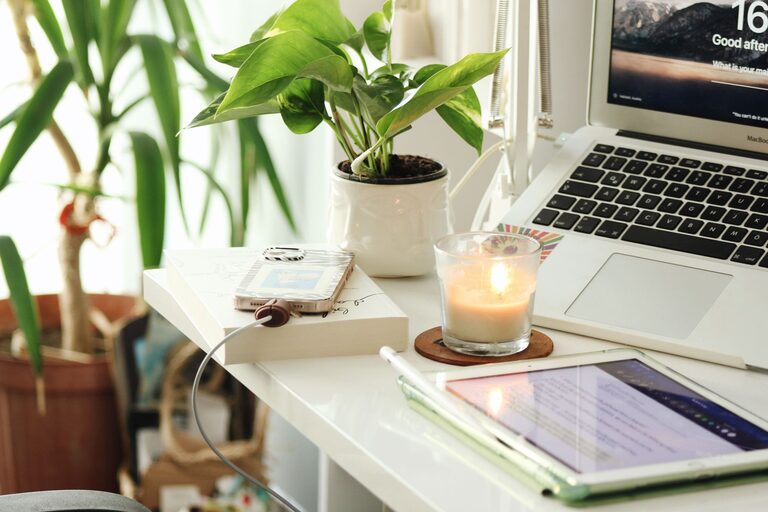
Creating a productive home workspace is essential in today’s flexible work environment. Whether you’re a full-time remote worker, a student, or someone who occasionally works from home, a well-designed workspace can boost your focus and keep you motivated. The great news is you don’t need a dedicated room or expensive equipment to create a functional and inviting setup. This guide will help you design a home workspace that fits your lifestyle and encourages productivity.
Why a Dedicated Workspace Matters
Having a designated area for work helps your brain separate “work time” from “home time.” It sets a mental boundary that can improve concentration and reduce stress. Additionally, a comfortable and organized environment minimizes distractions and physical discomfort, allowing you to work more efficiently and for longer stretches.
Step 1: Choose the Right Location
Finding the ideal spot for your workspace depends on your living situation, work style, and personal preferences. Here are some factors to consider:
– Natural light: Choose a spot with access to natural light to help regulate your body clock and boost mood.
– Noise levels: If you need quiet, look for a low-traffic area away from noisy appliances or family activities.
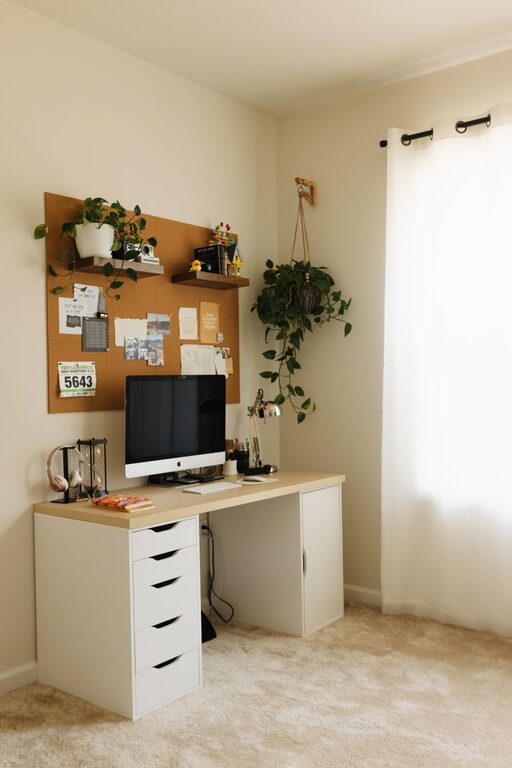
– Space availability: Even a small corner or a nook can work if organized properly.
– Privacy: If you have meetings or frequent calls, consider a space where you can minimize interruptions.
Tips for Small Spaces
– Use foldable desks or wall-mounted tables to save space.
– Utilize vertical storage like shelves to avoid clutter.
– Consider noise-canceling headphones if your environment is noisy.
Step 2: Invest in Ergonomics and Comfort
Comfort affects how long you can work productively. Investing in ergonomic equipment can prevent strains and fatigue.
– Chair: Choose a supportive chair that encourages good posture with adjustable height.
– Desk height: Your desk should allow your forearms to be parallel to the floor when typing.
– Monitor placement: Position your screen at eye level, about an arm’s length away, to reduce eye strain.
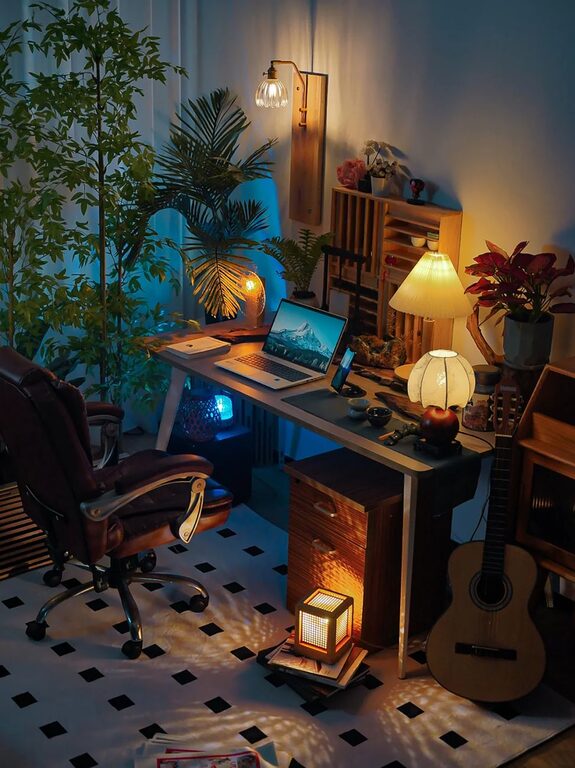
– Lighting: Use task lighting in addition to natural light to avoid shadows and glare.
Simple Ergonomic Choices
– Use a footrest if your feet don’t touch the floor.
– Consider a laptop stand or external keyboard/mouse to improve posture.
– Take regular breaks to stretch, especially if sitting for long periods.
Step 3: Organize for Efficiency
An organized workspace helps you find what you need quickly and prevents distracting clutter.
– Declutter regularly: Remove unnecessary items from your desk.
– Storage solutions: Use drawers, baskets, or organizers to keep supplies tidy.
– Cable management: Use clips or sleeves to avoid tangled wires.
– Keep essentials close: Store frequently used tools within arm’s reach.
Digital Organization
– Clear your desktop and keep files in organized folders.
– Use productivity apps for task management and reminders.
– Back up important documents regularly.
Step 4: Personalize Your Space
Adding personal touches can make your workspace more inviting and motivate you to spend time there.
– Choose colors that inspire you, such as calming blues or energizing yellows.
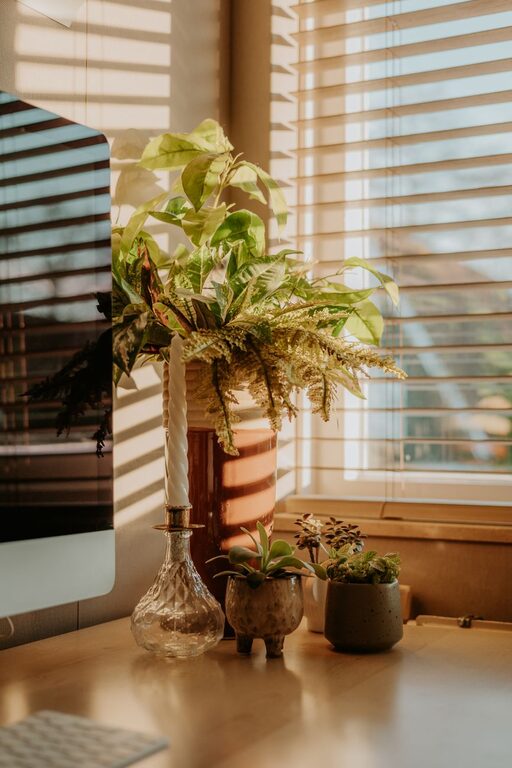
– Add plants to improve air quality and create a calming atmosphere.
– Display photos or art that make you happy.
– Use comfortable textiles like cushions or rugs to warm up the space.
Step 5: Manage Distractions and Set Boundaries
Maintaining focus at home can be challenging with various distractions around.
– Create a clear schedule or routine.
– Use visual cues like closing the door or wearing headphones to signal “do not disturb.”
– Communicate boundaries with others in your household.
– Limit phone notifications during work hours.
Step 6: Adapt to Your Lifestyle
Your workspace should reflect your unique lifestyle and work needs.
– If you are a parent, consider multi-use spaces or schedule work during quiet times.
– For creative tasks, allow room for inspiration boards or materials.
– If standing helps your focus, explore adjustable desks for both sitting and standing.
Final Thoughts
Designing a productive home workspace doesn’t require a large budget or perfect conditions. By thoughtfully selecting your location, prioritizing comfort, staying organized, and personalizing your space, you can create an environment that supports focus and well-being. Remember to regularly assess your setup and adjust it as your needs evolve. With the right workspace, you’ll find working from home both enjoyable and efficient.