Working from home has become more common than ever, and having a well-designed home office can make a significant difference in how productive and comfortable you feel throughout the day. Whether you have a dedicated room or a small corner, creating a space tailored to your needs can help you stay focused and motivated. Here are some helpful tips to set up a home office that supports both comfort and productivity.
Choose the Right Location
Consider Natural Light
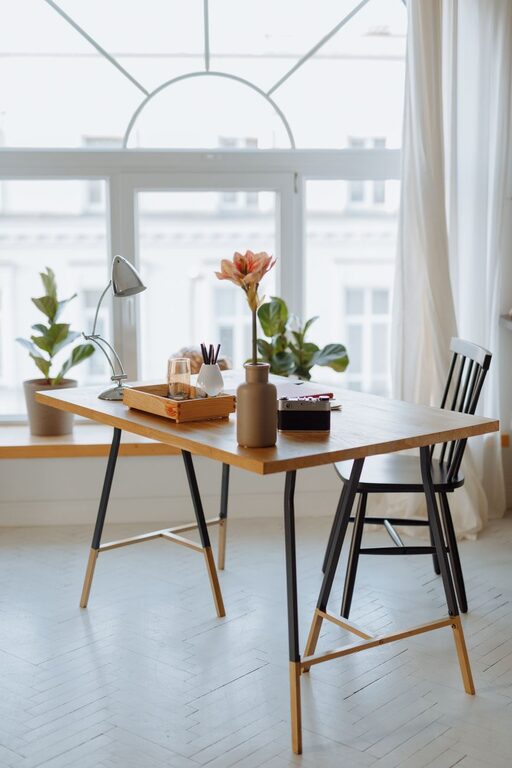
Select a spot near a window if possible. Natural light can improve your mood, reduce eye strain, and help regulate your sleep cycle. Avoid harsh glare on your computer screen by positioning your desk perpendicular to windows.
Minimize Distractions
Pick a quiet area away from heavy foot traffic or household noise. If space is limited, use room dividers or noise-canceling headphones to create a more focused environment.
Invest in Ergonomic Furniture
Comfortable Chair
Your chair is key to comfort and health. Look for one that offers adjustable height, lumbar support, and padding. Sitting for long periods can strain your back, so choose a chair that encourages good posture.
Proper Desk Height
A desk that fits your height ensures a comfortable setup. Your elbows should rest at about a 90-degree angle when typing, and your feet should be flat on the floor or on a footrest.
Organize with Functionality in Mind
Declutter Your Workspace
Keep only essential items on your desk to maintain a clean surface. Clutter can cause distractions and increase stress, so regularly tidy your area.
Storage Solutions
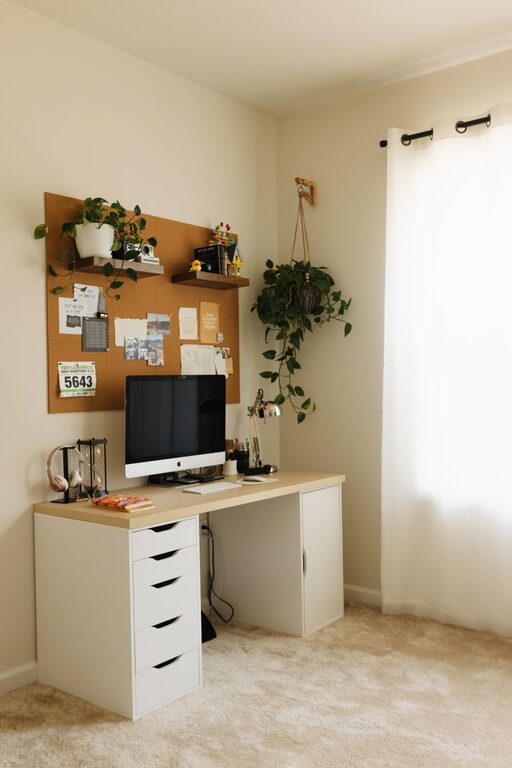
Use shelves, filing cabinets, or drawers to store paperwork, office supplies, and electronics. Labeling and organizing these items make it easier to find what you need quickly.
Set Up Technology Efficiently
Reliable Internet Connection
A fast and stable internet connection is essential for smooth video calls, downloads, and uploads. Consider upgrading your router or using an Ethernet cable for better connectivity.
Essential Equipment
Invest in quality tools such as a comfortable keyboard, mouse, and monitor. Position your monitor at eye level to avoid neck strain.
Cable Management
Use clips, sleeves, or cable boxes to organize wires and prevent tangling. A neat setup not only looks better but also reduces hazards.
Personalize Your Space
Add Plants
Indoor plants can improve air quality and add a calming, natural element to your office. Choose low-maintenance varieties if you don’t have a green thumb.
Inspirational Decor
Display photos, artwork, or motivational quotes that inspire you. Personal touches can make your workspace more welcoming and boost creativity.
Maintain Good Lighting
Combine Natural and Artificial Light
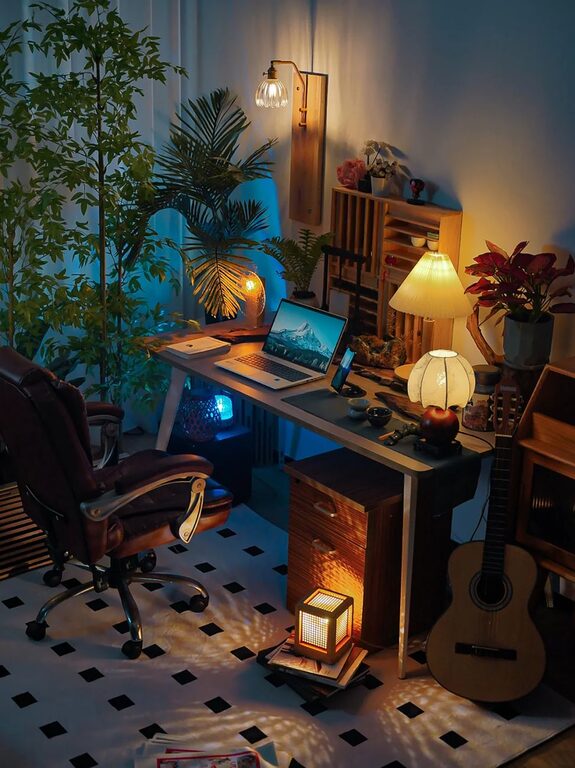
In addition to natural light, have adjustable lighting options such as desk lamps or overhead lights. Soft, warm lighting reduces eye fatigue.
Avoid Screen Glare
Angle your computer screen to minimize reflections. Using anti-glare screen protectors can also help with long hours of work.
Establish a Routine and Boundaries
Define Work Hours
Set specific start and end times to maintain work-life balance. Communicate your schedule with family or housemates to reduce interruptions.
Take Breaks
Regular breaks improve focus and reduce mental fatigue. Stand up, stretch, or take a short walk every hour to stay refreshed.
Keep Air Quality and Temperature Comfortable
Ventilation
Good airflow helps maintain alertness and comfort. Open windows when possible or use fans and air purifiers to improve circulation.
Temperature Control
Adjust your thermostat to a comfortable setting. Having a fan or heater nearby can help regulate your personal comfort without affecting the whole household.
Final Thoughts
Creating a comfortable and productive home office space is all about prioritizing your physical comfort, organizing efficiently, and setting boundaries to separate your work and personal life. A thoughtfully arranged workspace not only enhances productivity but also supports your well-being, making your work-from-home days more enjoyable and effective. Start small, make adjustments based on your needs, and your ideal home office will take shape in no time.